

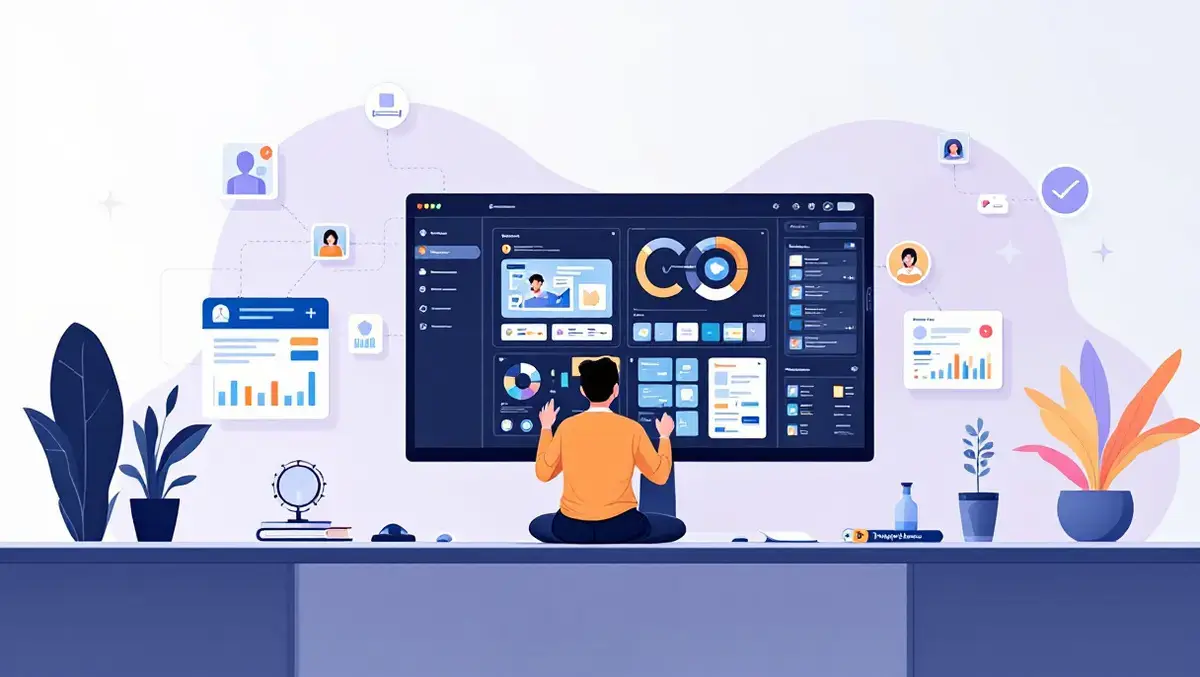

Google has introduced MCP Apps for Gemini Enterprise, adding interactive user interfaces to Model Context Protocol tools within the chat flow.
The move expands Gemini Enterprise beyond text-only assistants, which can struggle with visual and multi-step tasks when every adjustment requires another exchange with the model.
MCP Apps links a tool to a live workspace that appears within Gemini Enterprise in a sandboxed iframe. The interface can also open in fullscreen or in a side panel, while edits run locally and remain synchronised with the assistant and the wider workspace.
Google said the approach is designed to reduce the number of model turns needed for tasks that require repeated adjustments. It described this as a third stage in the development of enterprise assistants, after static text chatbots and standard MCP tools that can call live APIs but still return static text.
How it works
The setup uses three layers. In the browser, users see the main chat alongside the MCP App widget. Gemini Enterprise handles tool calls through its default assistant, relays widget messages through an AppBridge proxy and manages OAuth through a connector. The customer hosts the MCP server on Cloud Run in its own Google Cloud project.
The MCP server exposes a JSON-RPC endpoint and serves the single-file HTML widget. Google said this structure keeps each tier talking only to the next, allowing Gemini Enterprise to manage routing and security controls between the user and the hosted application.
Customers do not need to build their own chat front end or identity system, Google said. Gemini Enterprise provides workforce sign-in, governed data access and the default assistant, while the customer deploys a private Cloud Run service for the MCP server.
Security layers
Google outlined a two-layer authentication model. Each user signs in through OAuth 2.0, and Gemini Enterprise sends both its service agent token and the user's OAuth token on every call.
The first layer uses Cloud Run IAM to verify which service is allowed to call the application. Public access is disabled, and unauthorised requests receive an HTTP 403 response.
The second layer operates inside the application and verifies which user is making the request. Failed verification returns an HTTP 401 response, prompting the user to sign in again.
Both layers are needed because Cloud Run IAM can identify calling services but cannot distinguish between end users, Google said. Outbound calls from the application use a least-privilege service account.
Use cases
Google positioned the feature for work that benefits from visual or interactive controls, including legal review, computer-aided design and financial analysis. Examples include redaction views for legal teams, 3D viewers for CAD work and sensitivity models for finance users.
It also said the format supports human review before high-stakes actions are executed. The standard is open and portable across compatible hosts, with a text fallback when needed.
MCP Apps can also connect with Google services and internal business systems. Google named BigQuery, Agent Platform and Cloud Storage among the supported products, alongside internal ERP and CRM platforms.
Deployment steps
To use the feature, customers first build a custom MCP server that exposes a POST /mcp endpoint and a bundled HTML widget. Developers can use the MCP Apps SDK or Google Antigravity to scaffold and deploy an application, Google said.
Deployment then runs through Cloud Run with unauthenticated access disabled, CPU throttling turned off and at least one minimum instance configured. Customers must grant the invoker role to the Discovery Engine service agent, create an OAuth 2.0 web client and adjust organisation policy settings for custom MCP server connectors.
Administrators then register the connector in Gemini Enterprise as a custom MCP server data store, reload and enable actions imported from the server's tools list, and connect that data store to an existing Gemini Enterprise app. This allows the built-in default assistant to use the tools and widget in the main chat.
Google said connecting the service as a data store, rather than as an external agent, is what allows the default assistant to access the MCP tools and interface directly in the chat environment.