

OpenAI launches Computer History in ChatGPT for macOS
Sat, 15th Aug 2026
OpenAI has introduced Computer History in the ChatGPT desktop app for macOS. The feature lets ChatGPT and Codex reference a user's recent activity across apps and websites.
It is available to ChatGPT Pro, Business, and Enterprise users and is off by default. Business and Enterprise users also need an administrator to grant access before they can choose to enable it.
Computer History replaces OpenAI's earlier Chronicle research preview, but it has been rebuilt rather than simply renamed. Unlike Chronicle, which used screenshots, the new system records interaction events such as clicks, typing, keyboard shortcuts, app switches, and context exposed through the macOS accessibility system.
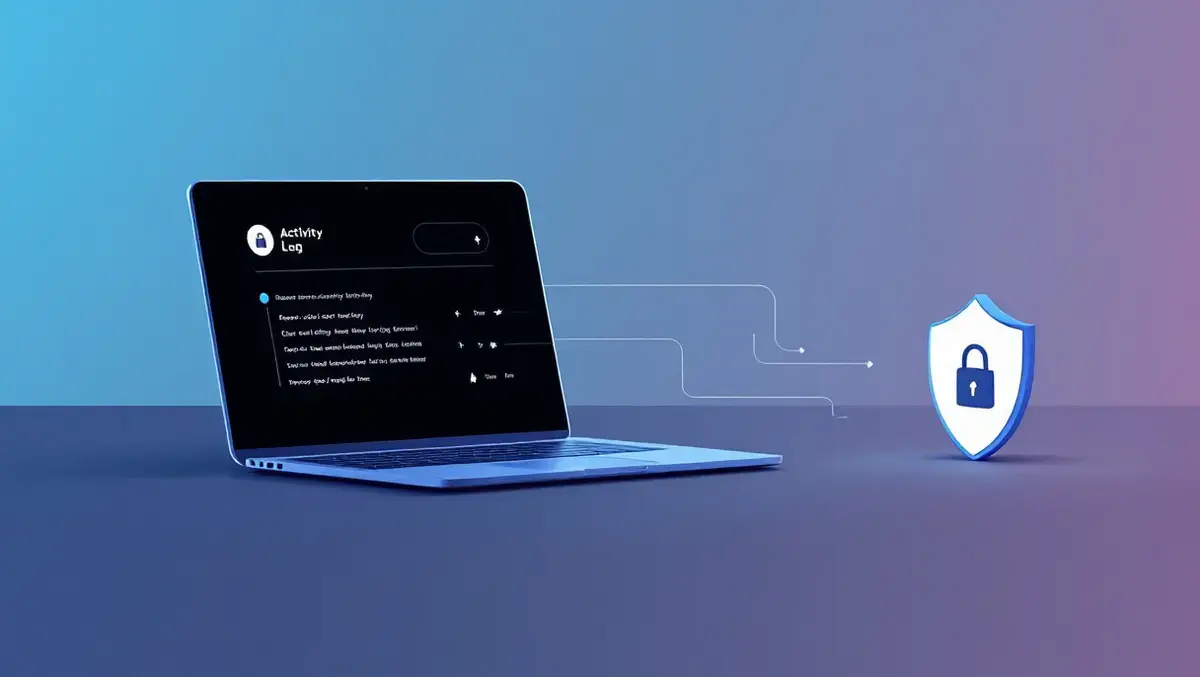
The feature creates an interaction-event stream from approved apps and websites, then periodically turns those events into text summaries and local memory files. Those summaries appear in a timeline grouped by day and time, with entries showing a title, a text summary, the contributing apps, and in some cases a suggested skill or automation based on repeated work.
Users can ask ChatGPT about recent work, including what they were doing before a break, where to find a document they were using earlier, or for a summary of tasks completed during the day. The system can use the timeline to identify a source, such as a file, a Slack conversation, or a Google Doc, and then read that source directly when it is more relevant to the task.
Access controls
The feature depends on OpenAI's Memories setting and cannot be used with an API key or Amazon Bedrock. It is also not currently available in the European Economic Area, Switzerland, or the United Kingdom.
For workplace accounts, access is governed by several layers of control. Enterprise administrators can enable the feature in workspace settings for selected roles, but that does not activate it for staff. Each user must opt in individually and can then choose which apps and websites are included in or excluded from future collection.
OpenAI has also built pause and deletion controls into the macOS menu bar and settings panel. Users can stop and restart collection, delete individual timeline items, or clear the last 10 minutes, last hour, last day, or all recorded history.
Private-mode web browsing activity is never included. Computer History also does not capture screenshots, screen recordings, microphone input, or system audio, and does not require macOS screen recording permission.
Local storage
Temporary event files are stored on the user's Mac for up to 48 hours and are isolated within the ChatGPT app group. The resulting memory files are saved locally as plain-text Markdown files and remain on the device until the user deletes them.
That local-first design does not remove all privacy concerns. OpenAI said the memory files are not encrypted by Computer History and may be accessible to other programs running under the same macOS user account.
Interaction events are processed on OpenAI's servers through what it describes as an ephemeral Codex session to generate memories. OpenAI says it does not retain those event files after processing unless required by law and does not use them for training.
When a memory is later used in a chat, relevant memory contents and interaction events may be included as context. Chat content may be used to improve OpenAI's models if the user's ChatGPT data controls allow it.
Risk warning
OpenAI warned that Computer History increases the risk of prompt injection from content in apps and websites, giving the example of a malicious website containing instructions that ChatGPT or Codex might follow.
It also cautioned that the feature can include interaction events from communication apps and websites. Users are advised to turn it off during conversations with other people unless they have prior express consent, and to consider pausing it or excluding apps that contain sensitive health, financial, or personal information.
Computer History uses tokens to summarise activity and create memories, extending OpenAI's effort to turn routine computer use into reusable prompts, records, and automations inside ChatGPT. OpenAI said the rebuilt system uses fewer tokens than Chronicle and gives users more privacy controls.