

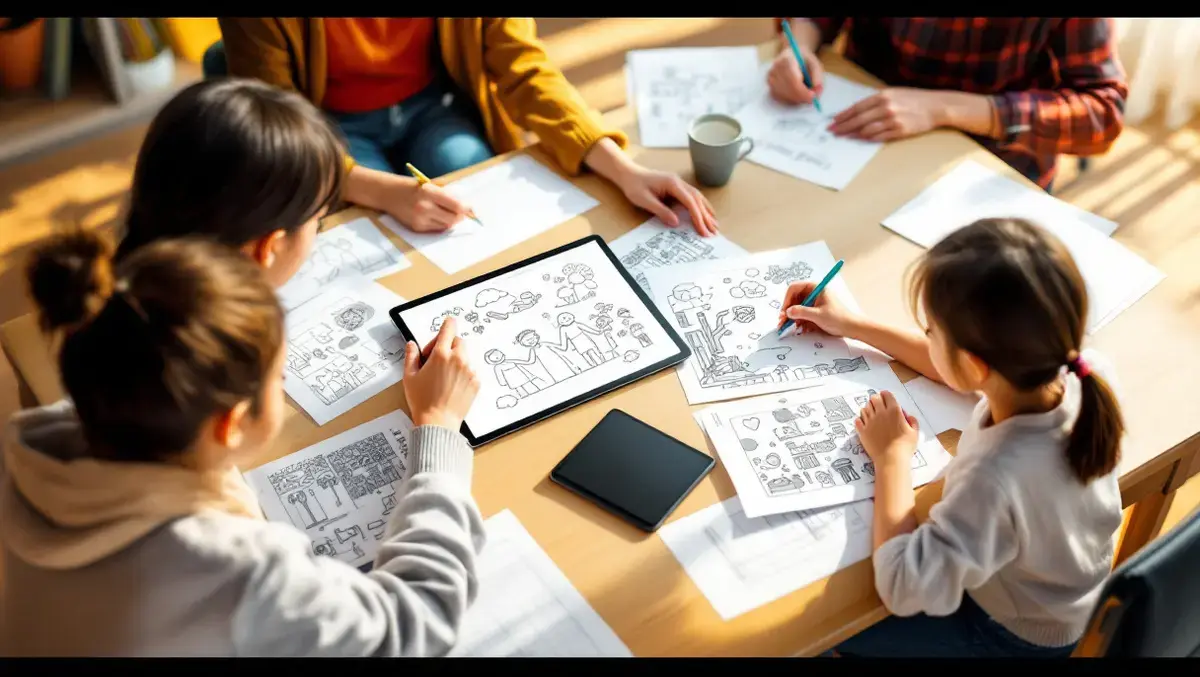

ZEITARC has launched Lineora, a mobile app for turning personal photographs into colouring pages and printable activities. It is available on iOS and Android.
Users can upload an existing image or take a new photograph, then convert it into line art, sketches, paintings and other printable formats. The app also generates activity sheets from a source image, including colour-by-number pages, mosaics, jigsaws, spot-the-difference puzzles, mazes and tracing exercises.
Lineora is aimed at people who want to use their own pictures instead of searching for pre-made colouring sheets or activity pages. Family portraits, pet photographs and holiday images can be turned into material for home use, with the option to print or share the results.
More than 50 styles are grouped into five categories: colouring book, sketching, painting, illustration and fun. The colouring section includes options from simple line work to manga, mandala and stained-glass treatments, while sketching includes pencil, charcoal, crosshatch and ballpoint effects.
Painting styles include watercolour, oil paint, gouache and soft pastel. Users can apply different interpretations to the same image and compare each result with the original photograph using a built-in before-and-after tool.
Printable focus
A central feature is the app's emphasis on output that can be used away from a screen. Generated pages can be stored in an in-app gallery, shared individually or printed. Users preparing several pages can also combine selected images into a single multi-page PDF.
This export option keeps personalised pages together in one file rather than as separate image attachments. A family, for example, could use one photograph across several styles or build a small pack of activities from different images, then print the collection as a single document.
The app does not require users to create an account before getting started. It offers starter credits for new users, while additional credits are sold through one-off packs rather than a subscription.
Use of the app is credit-based, and image generation takes place in the cloud, so an internet connection is required. That sets Lineora apart from photo-editing tools that work entirely offline on a handset.
Education and home use
The app's format points to potential use in households and classrooms. Parents can make personalised activity sheets from familiar images, while teachers may find scope to create material from suitable photographs for lessons or small-group work.
Its design also reflects a broader shift in consumer AI products towards practical output, rather than images created only for viewing on screen or posting to social media. Here, the emphasis is on taking a personal photograph through selection, generation, review and export to produce a printable page.
Lineora's gallery and PDF workflow are designed to support that sequence. Users can generate several versions from one image, compare the outputs, choose the pages they want to keep and package them in a format suited to home printing or digital sharing.
ZEITARC describes the app as combining photo-based AI creation with colouring pages, artistic styles and printable activities on Apple's App Store and Google's Play Store. Some Android features may include rewarded advertising, while current purchase options and local pricing are handled within the app and store listings.
English-language screenshots released alongside the launch show the home screen, the activities interface and a gallery view used to assemble pages for PDF export.